




How To Use OutIn Claro
How To Use OutIn Claro
Title
Standard Mode
Powering On
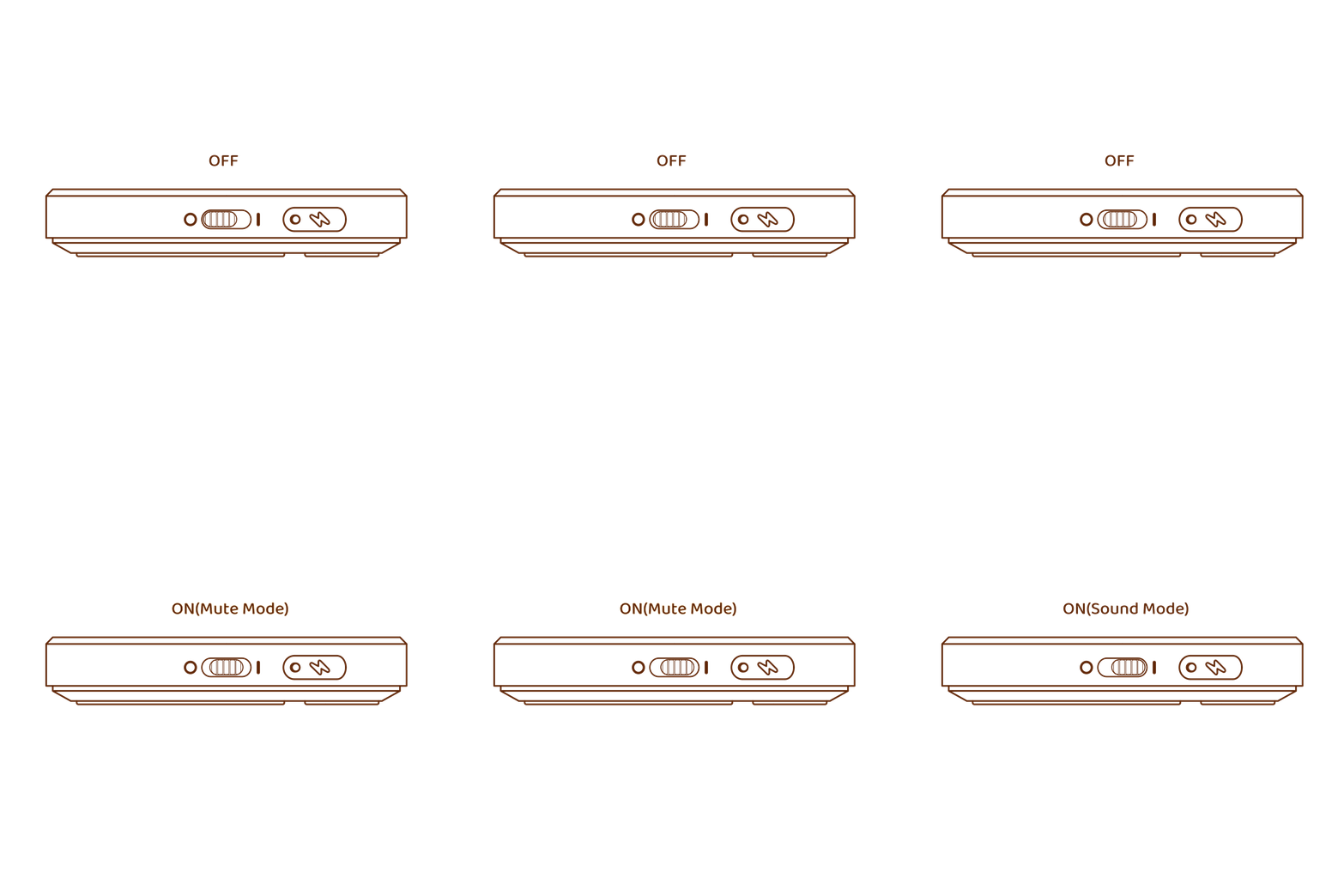
Tweek the physical power switch on the side of the scale to "I" or middle (mute).
Timer
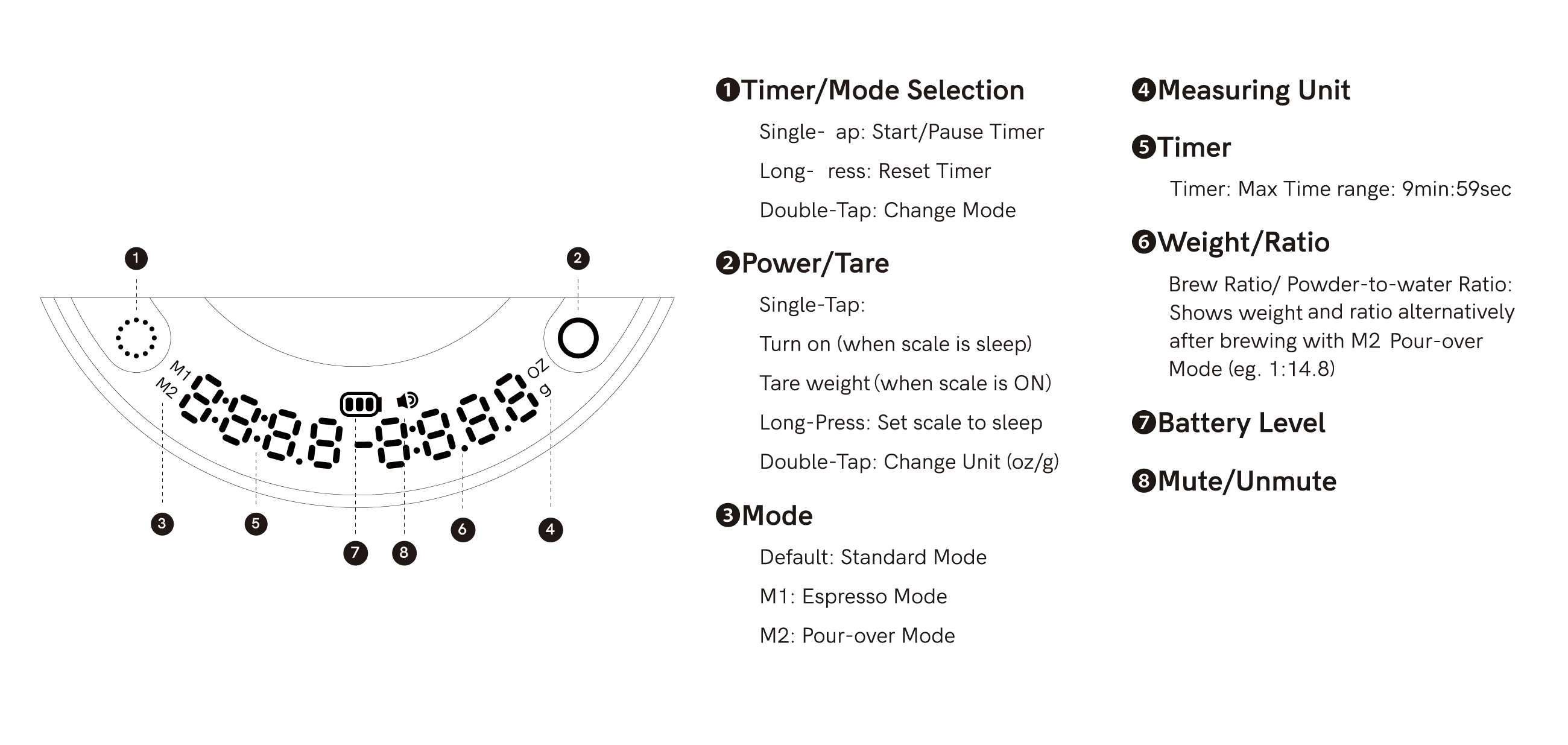
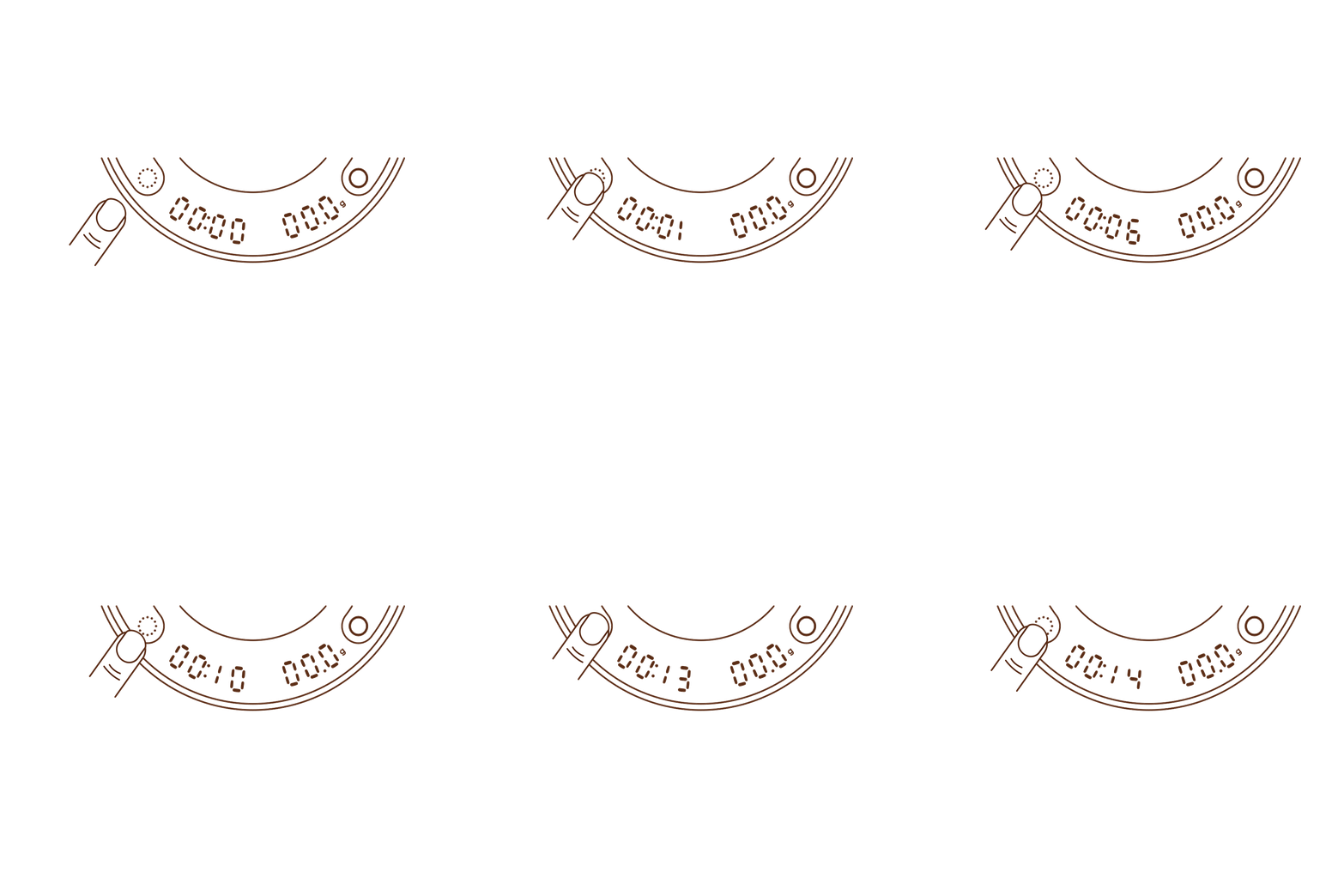
- To start the timer, press the Timer button.
- To pause the timer, press the Timer button again.
- To reset the timer, press and hold the Timer button for 2 seconds.
Changing Modes
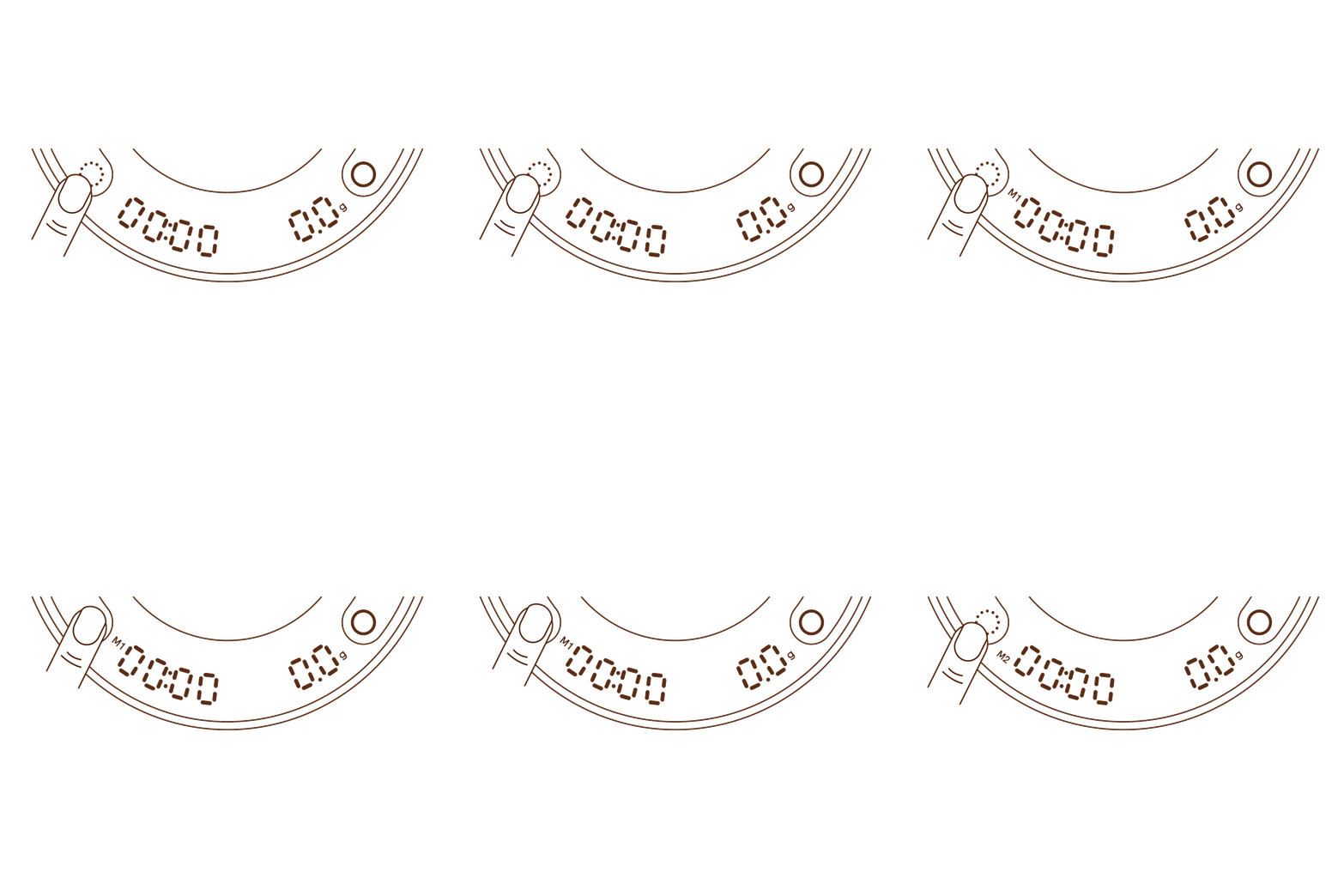
To switch between modes, double-press the Timer/Mode button until the desired mode is displayed.
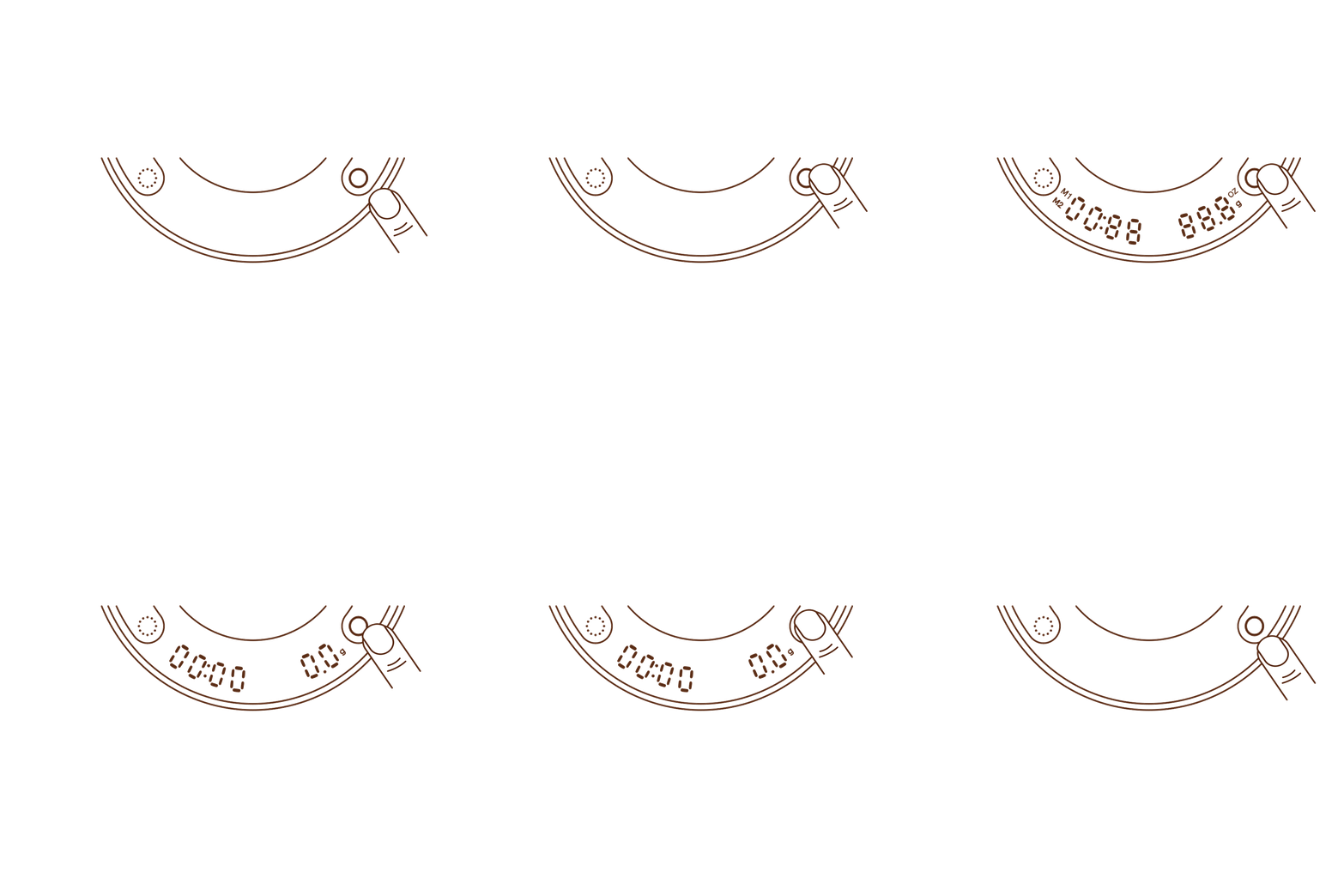
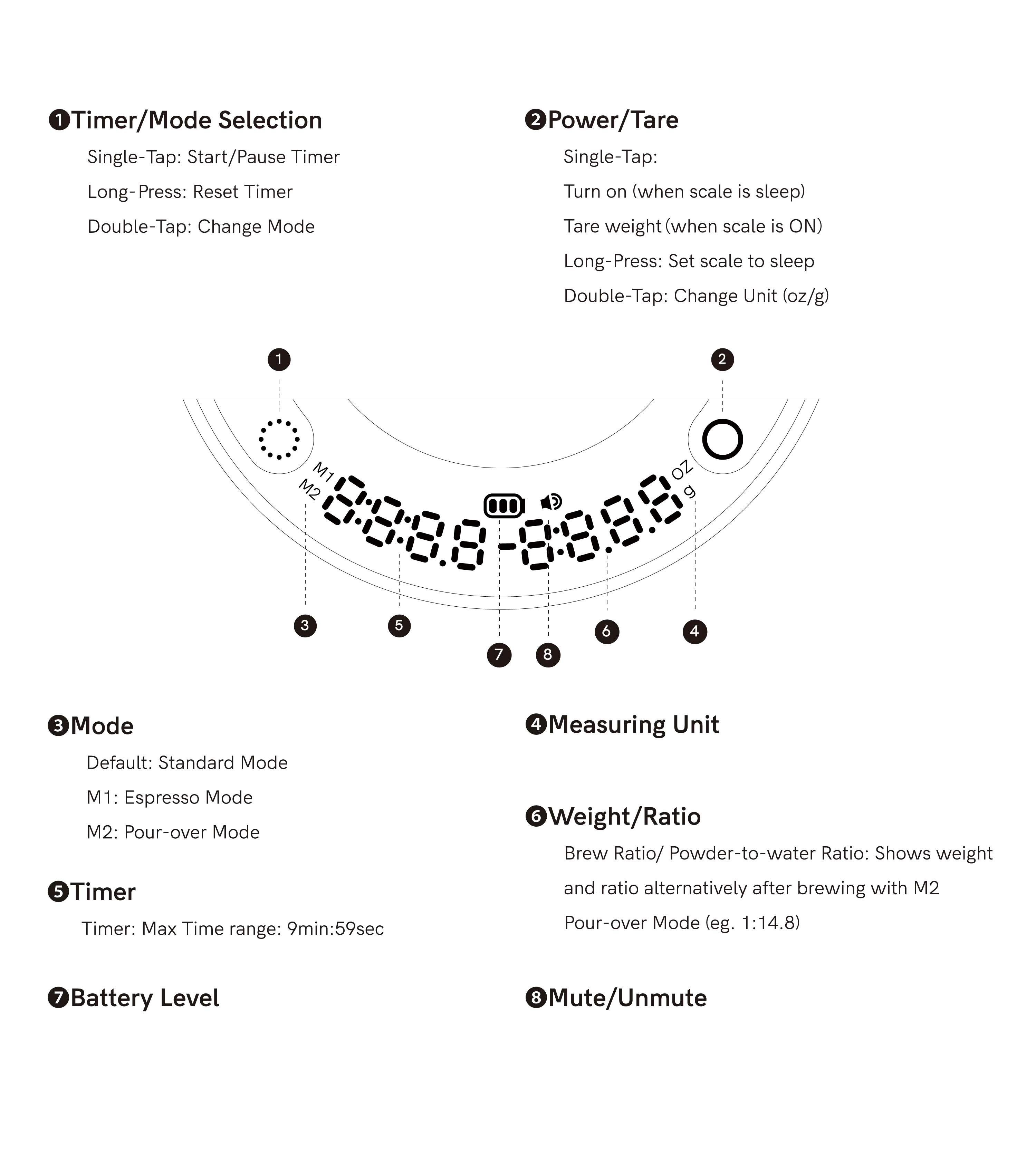
Power/Tare
Single-Tap:
- Turn on (when scale is sleep)
- Tare weight (when scale is ON)
Long-Press: Set scale to sleep
Double-Tap: Change Unit (oz/g)
M1: Espresso Mode
Espresso mode is designed to provide the precision needded for espresso brewing
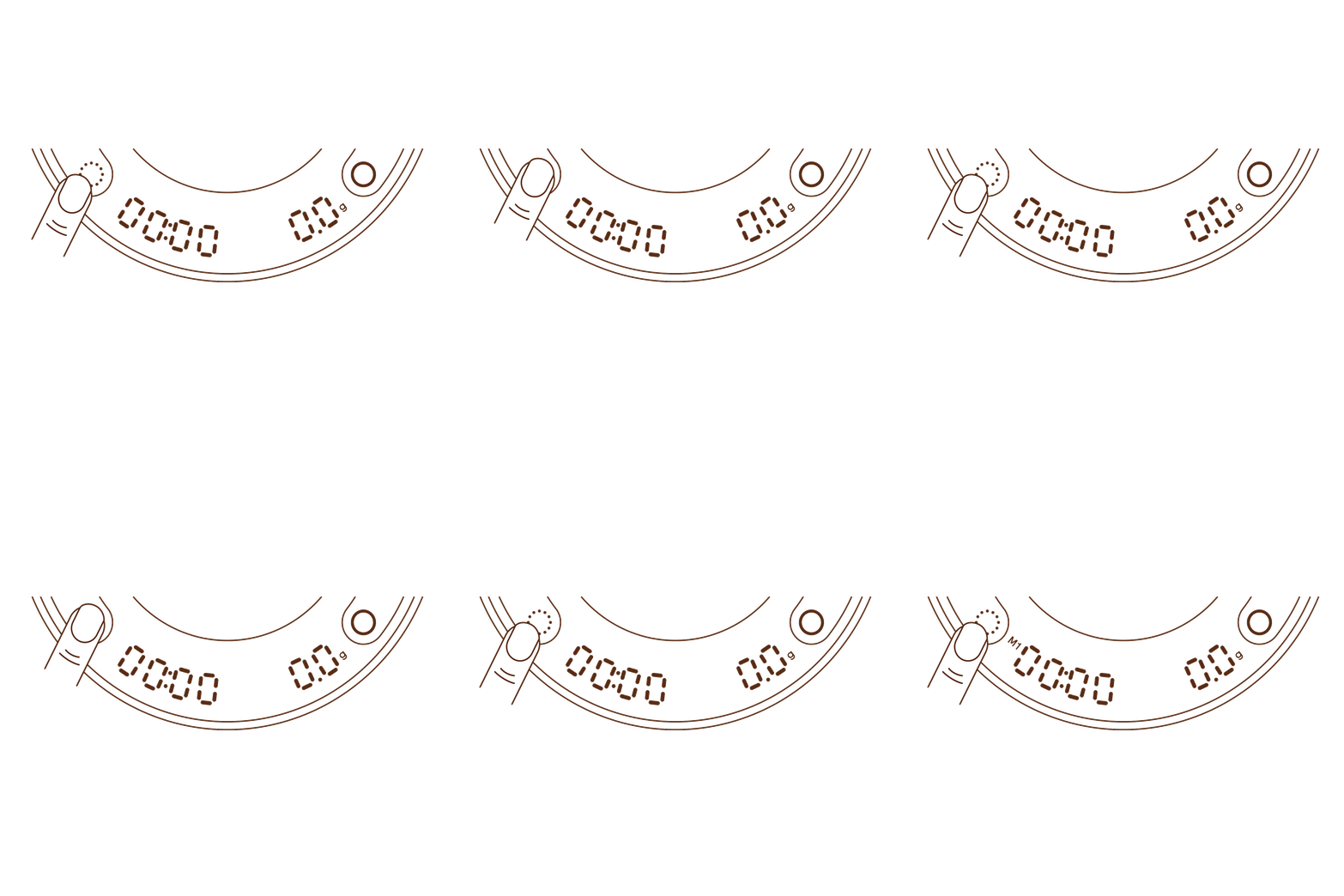
1. Turn on the Scale and select
Espresso Mode (double press the Timer/Mode button until "M1" shows).
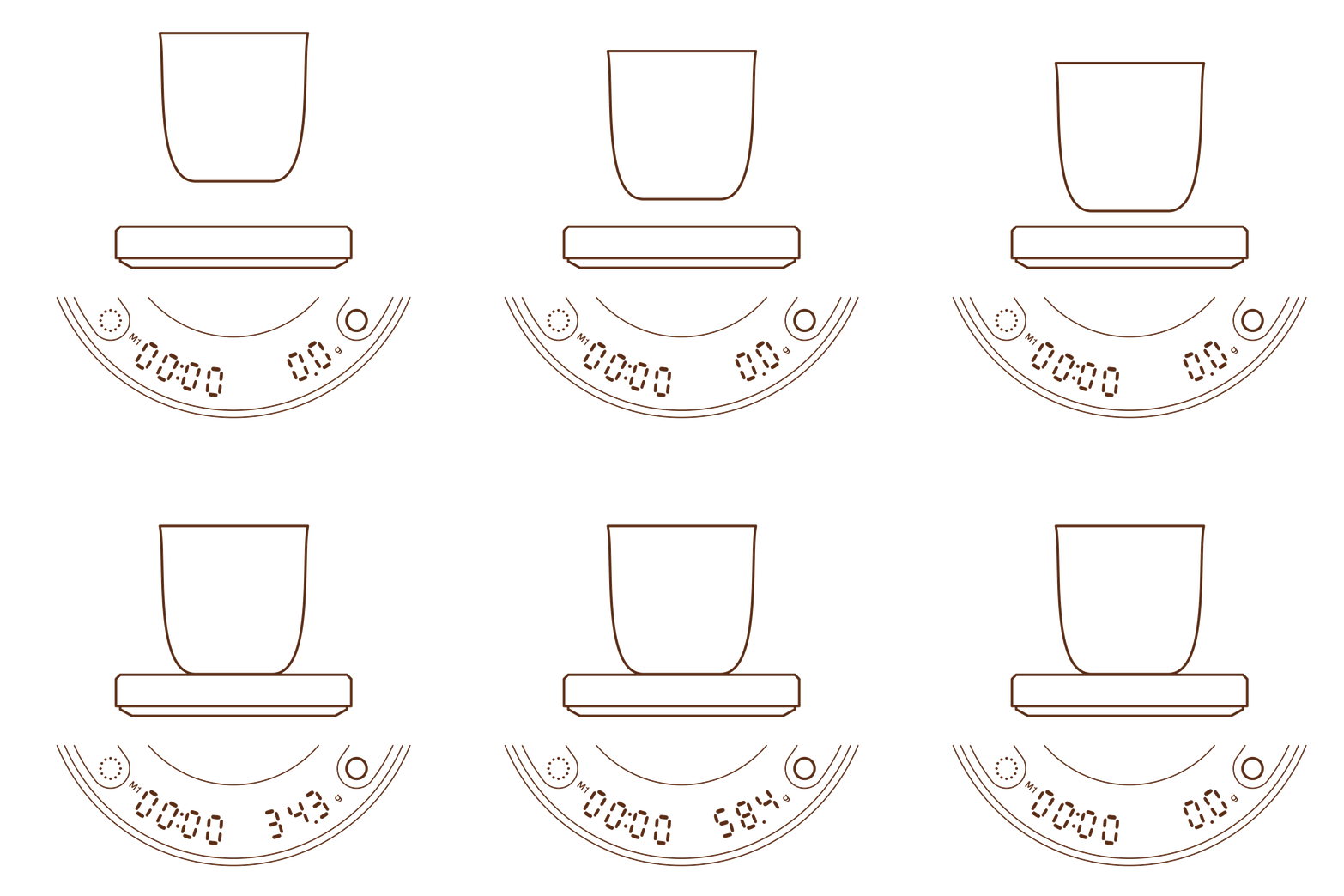
2. Place Your cup or other container on the scale. The scale will tare automatically after 2 seconds (if not press the Tare button to zero).
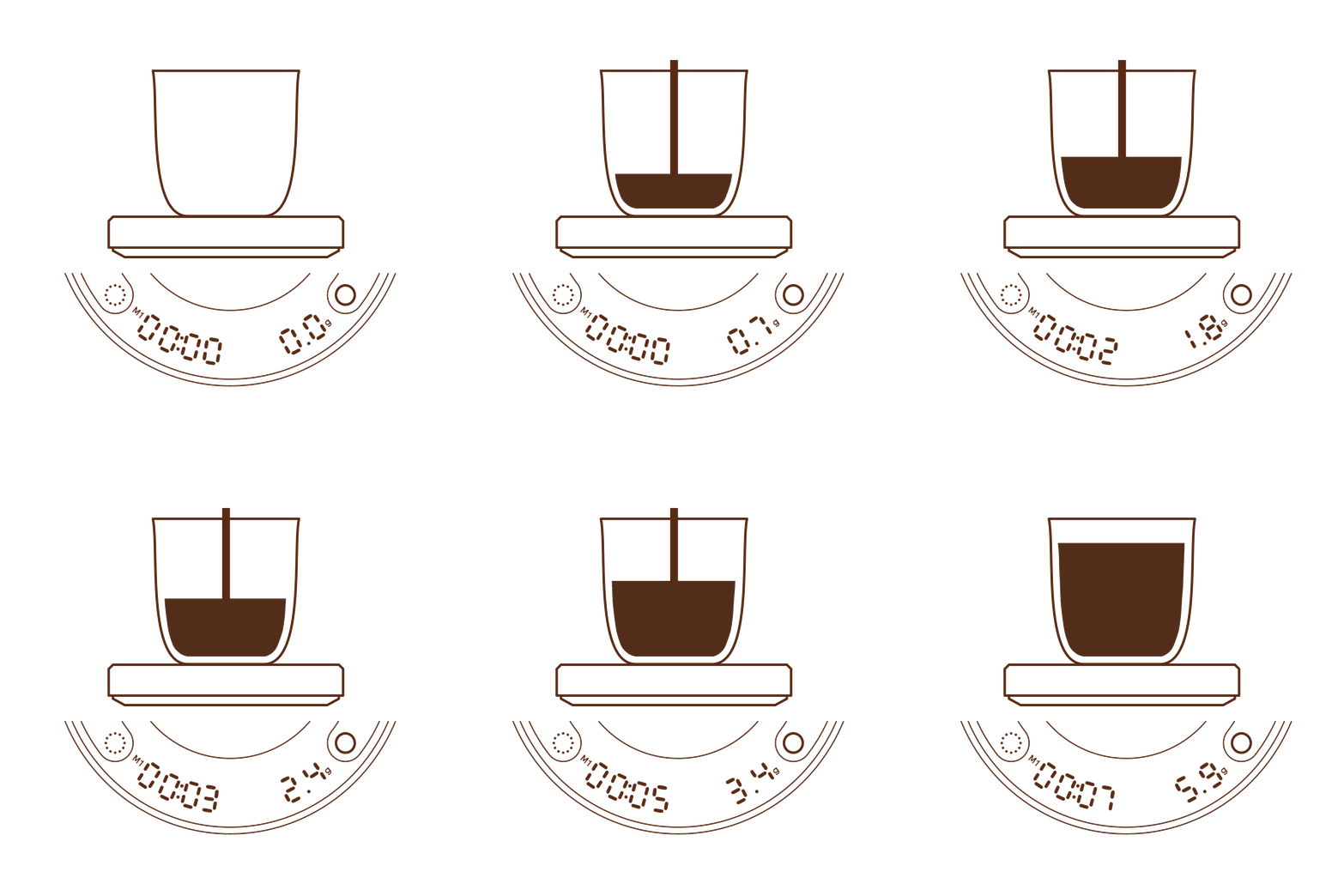
3.Now the scale is waiting for brewing. When coffee starts to flow into the cup, the timer will start automatically.
4.When coffee stops flowing (no more) change on weight), timer will pause. If you add more coffee (weight change), the timer will continue to count.
5. When you remove your cup of espresso, the weight and time will freeze for 10 seconds before zeroing.
M2: Pour-Over Mode
Pour-over mode is optimized to help you brew pour-over coffeee with precision, including measuring water poured into the grounds.
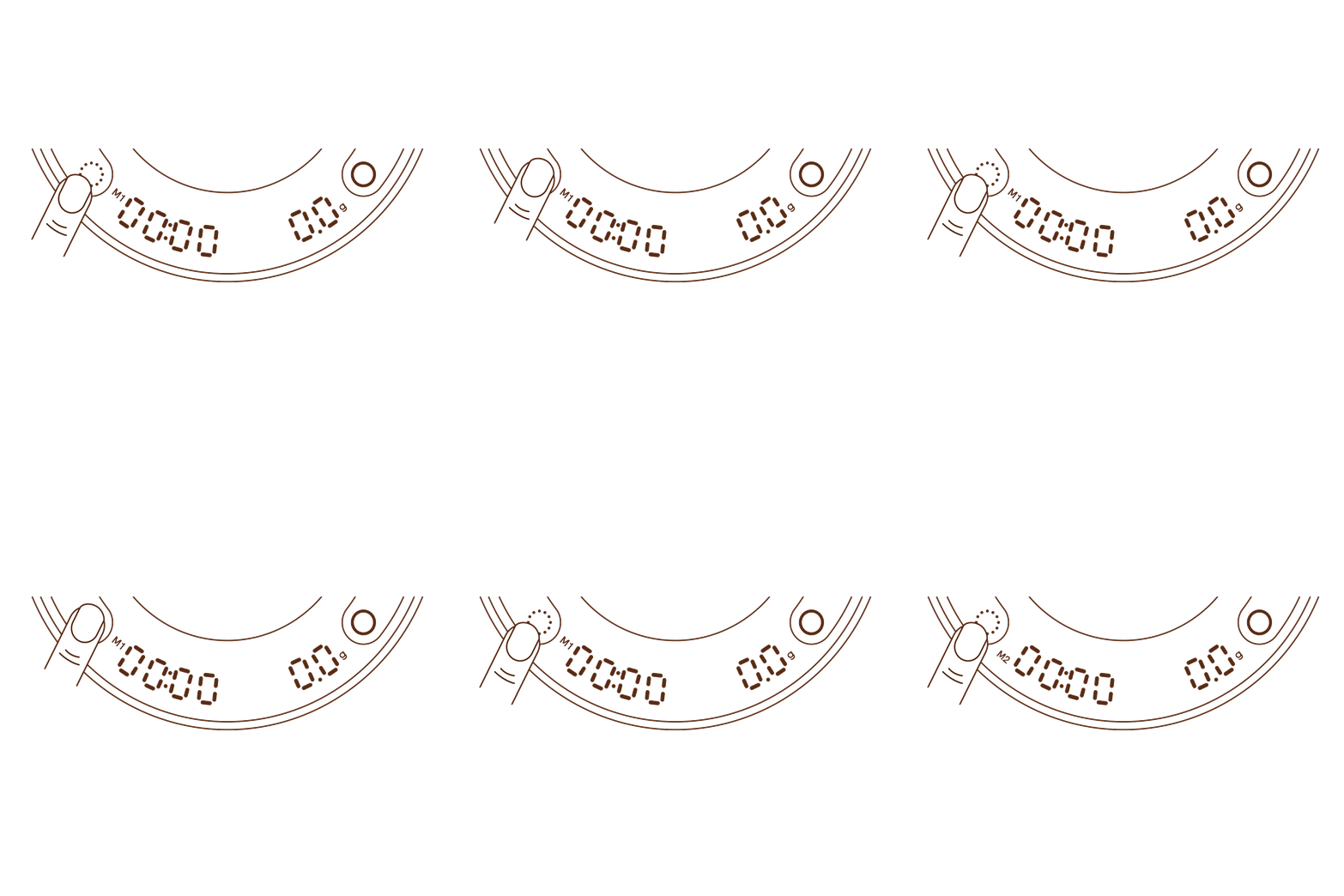
1. Turn on the Scale and select Pour-Over Mode (double press the Timer/Modebuttonuntil "M2"shows).
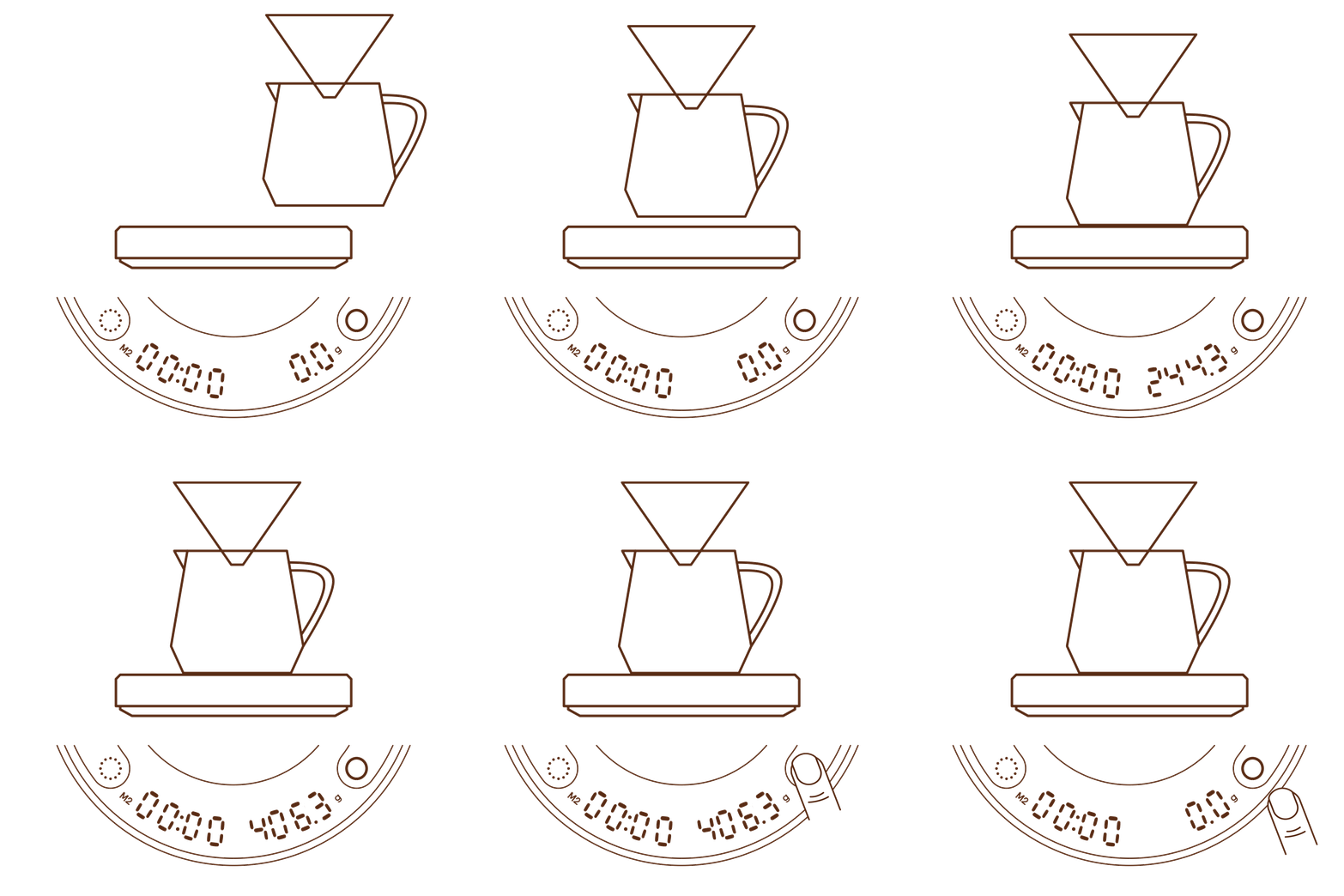
2. Place Your Pour-Over Setup (your dripper or brewing device) on the scale, tare the scale.
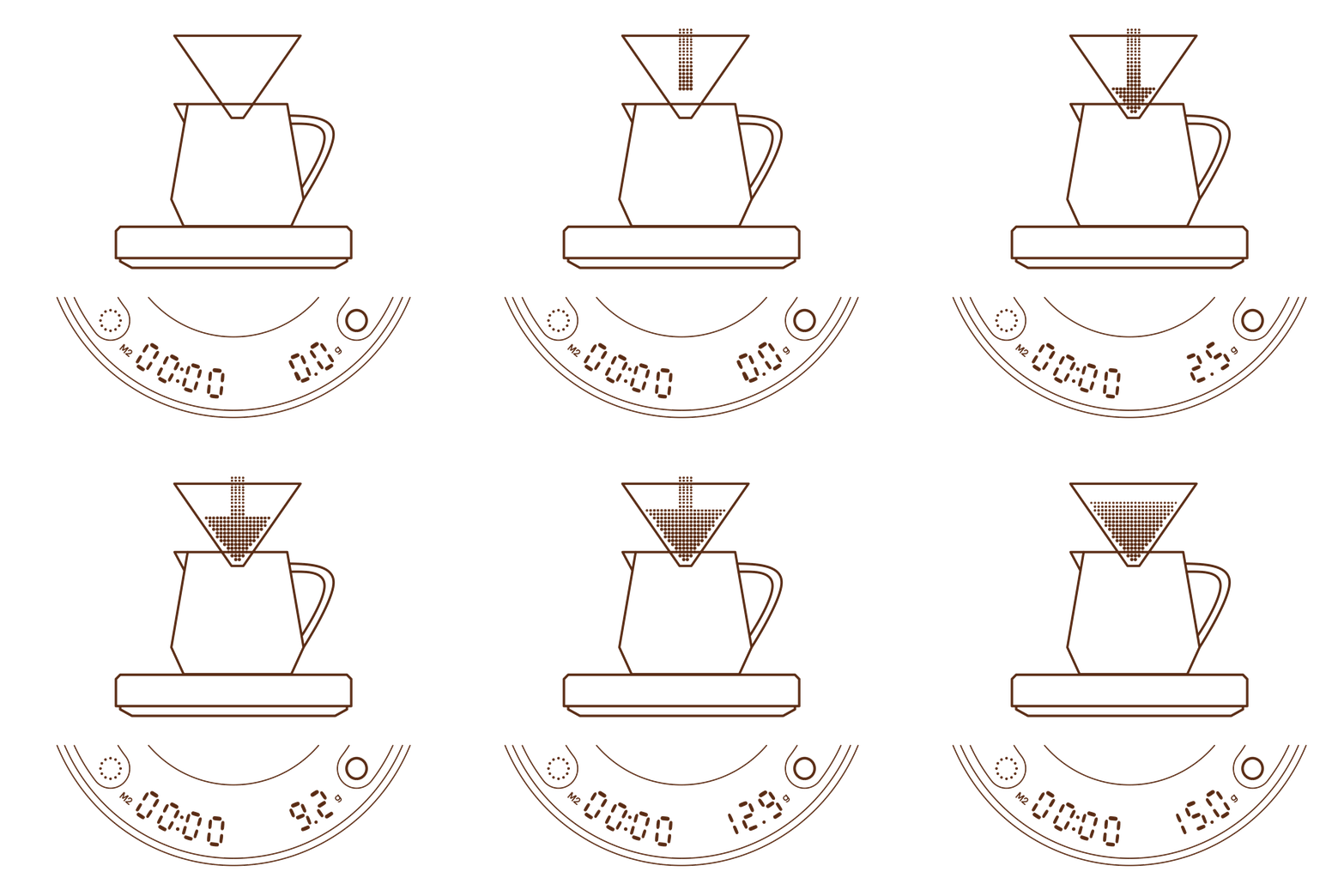
3. Add ground coffee into the dripper. The display will measure the coffee ground weight in grams/oz.
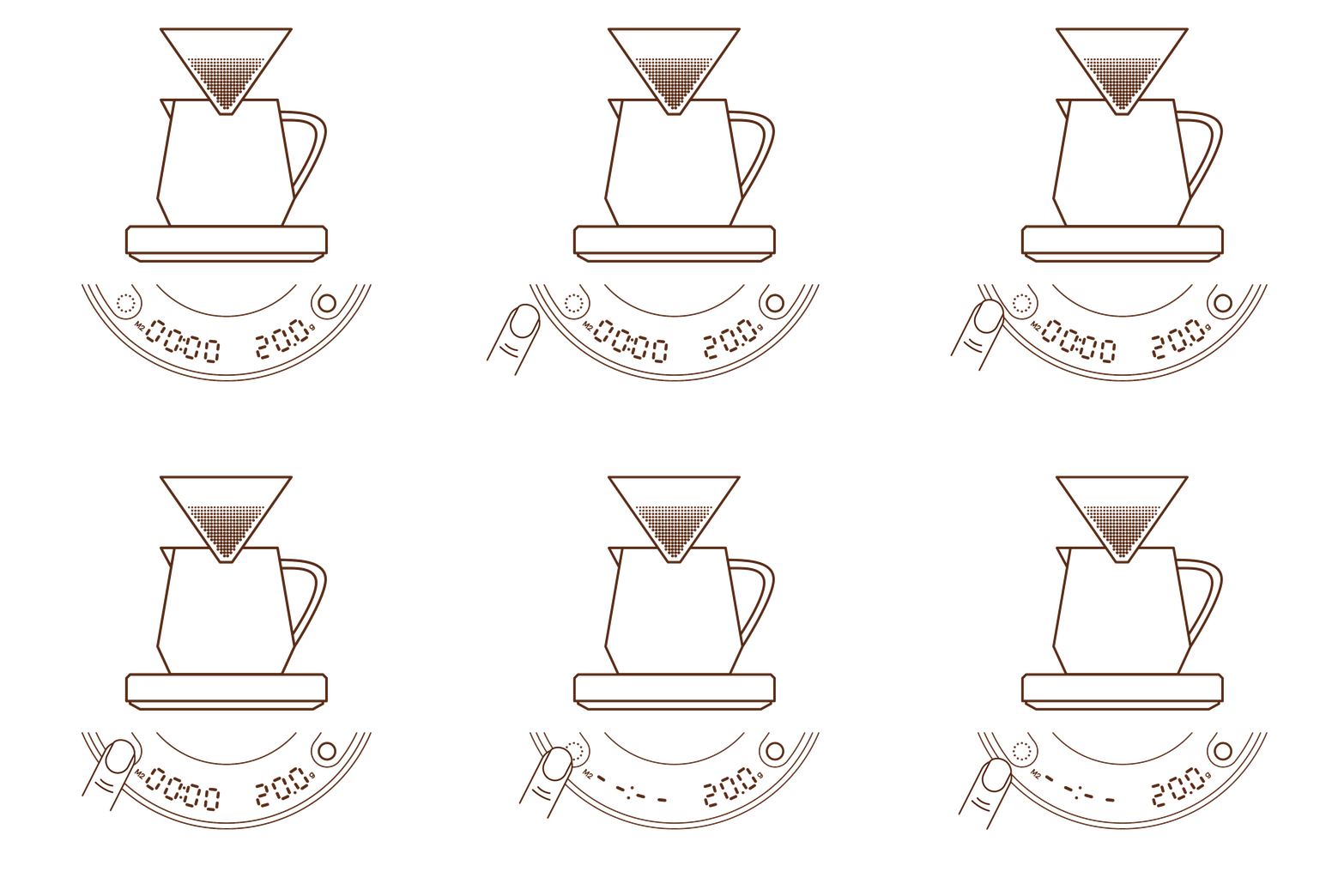
4. Press the Timer/Mode button shortly to memorize the ground weight. Timer will show -:-and the scale is ready.
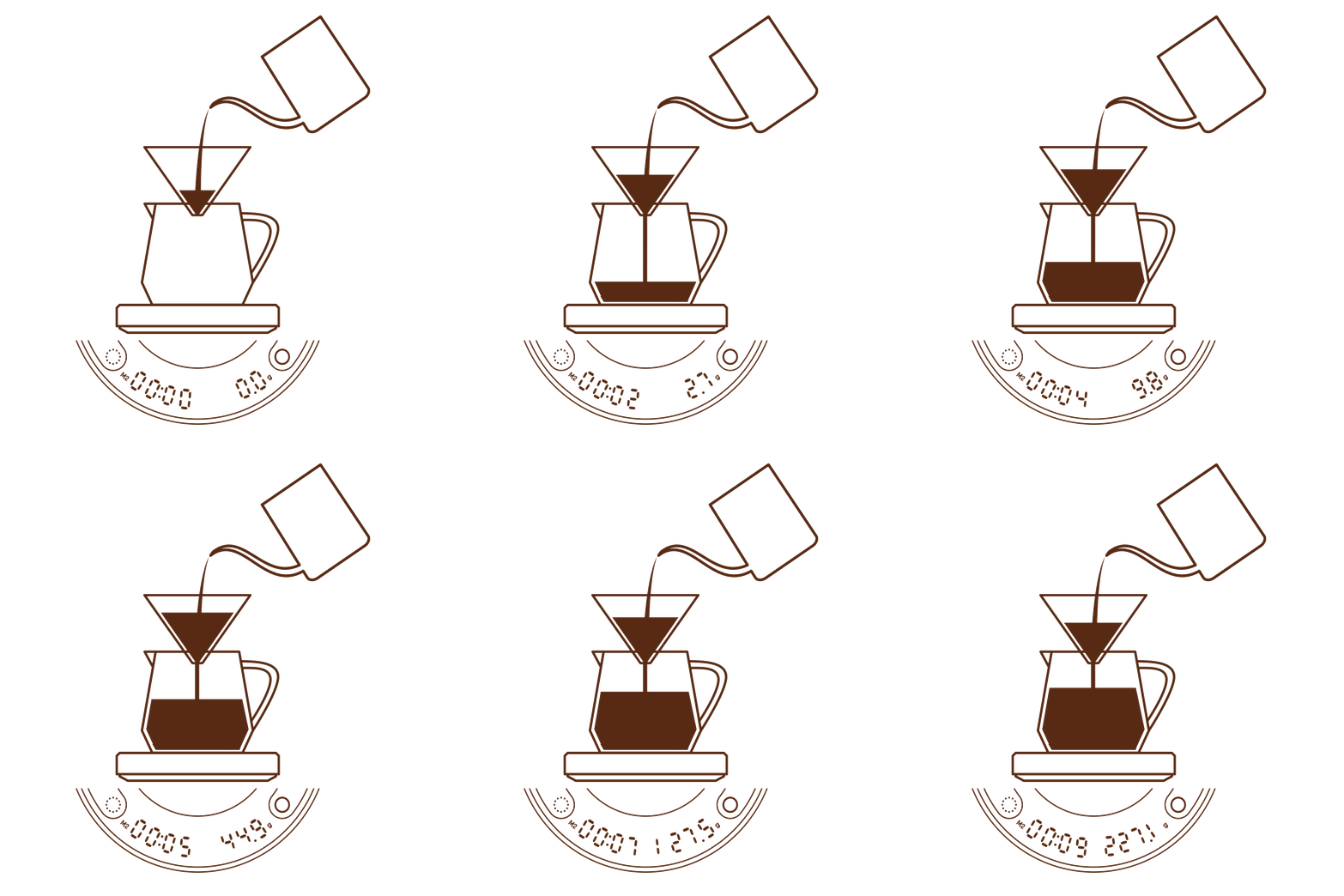
5. Start pouring water over the coffee grounds. The scale will continuously measure time and water weight as it's poured.
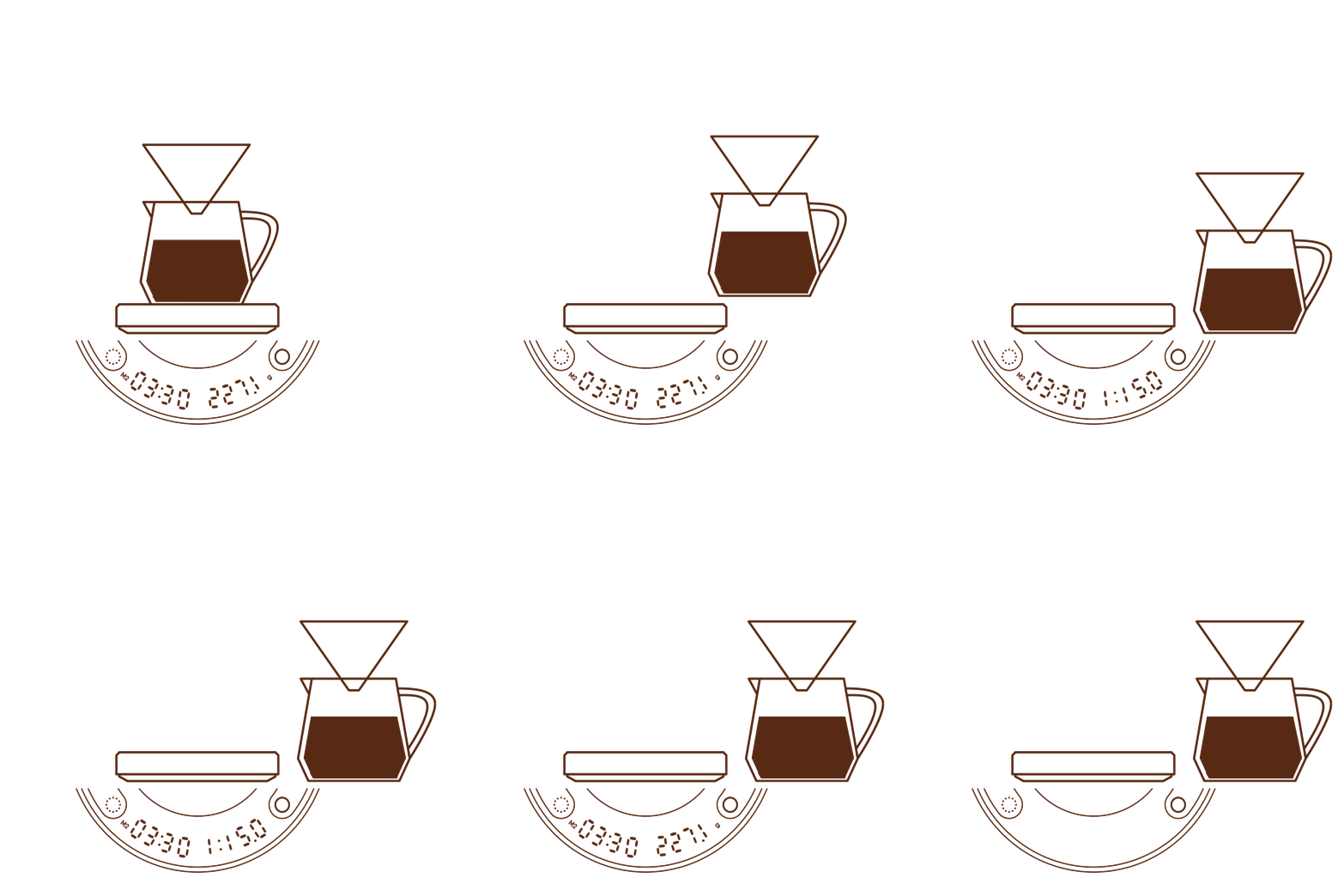
6. When you finish brewing and removing the set from scale,the timer will pause automatically. Display will show total brewing time, weight/Powder-to-Water Ratio alternatively for 2 minutes before shutting off.